Expense software that integrates with BambooHR
Connect ExpenseIn and BambooHR to keep employee records aligned and reduce repeat admin for your finance team.

Trusted by many happy customers




ExpenseIn + BambooHR = fewer employee admin fixes for finance
When employee details change in your HR system, finance shouldn’t have to make the same updates again in your expense software.
Connect BambooHR to ExpenseIn to synchronise employee records and reduce manual updates when people join, change teams, move reporting lines, or leave.
Active employees can be created or updated as ExpenseIn users, while department information and approval hierarchies can also be kept aligned with your BambooHR setup.
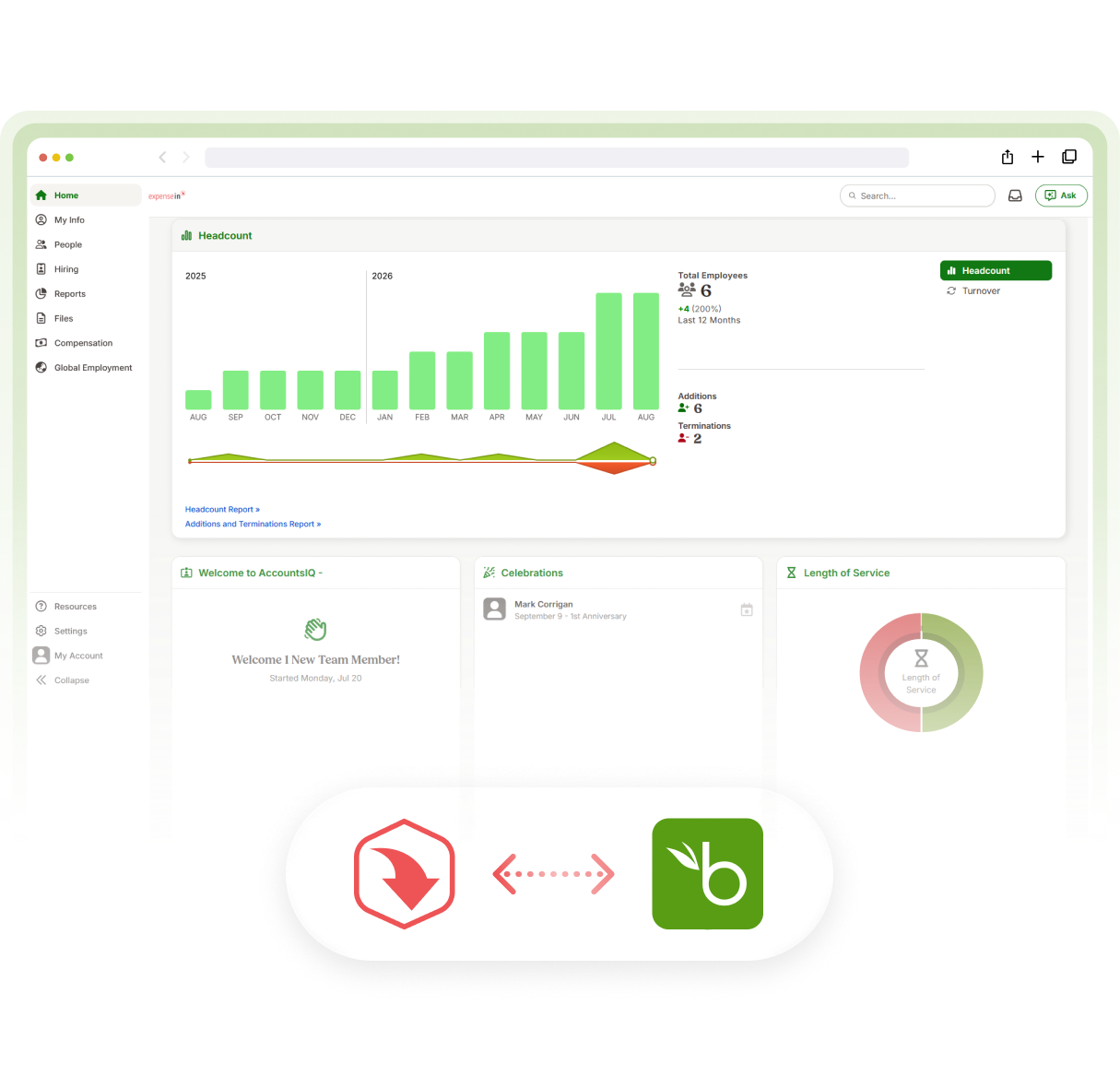
Connecting ExpenseIn to BambooHR
Sync employee information from BambooHR into ExpenseIn to keep your user setup accurate and cut down on repetitive admin.
Keep employee details aligned: Sync names, work email addresses, and employee references from BambooHR into ExpenseIn.
Simpler user setup: Active employees in BambooHR can be created or updated as users in ExpenseIn.
Keep approval hierarchies current: Reporting lines from BambooHR can be used to create and maintain ExpenseIn user approval flows when approval hierarchy syncing is enabled.
Keep departments consistent: Department information can be synced where the corresponding departments have been set up in ExpenseIn.
Manage the sync your way: Restrict syncing to a single BambooHR division where needed, with admin notifications highlighting any records that fail to sync and why.
Discover more integrations


Effortless spend management for growing finance teams


Connect BambooHR with your expense process
See how BambooHR integration can help keep employee records, departments, and approval flows aligned in ExpenseIn.